Introduction
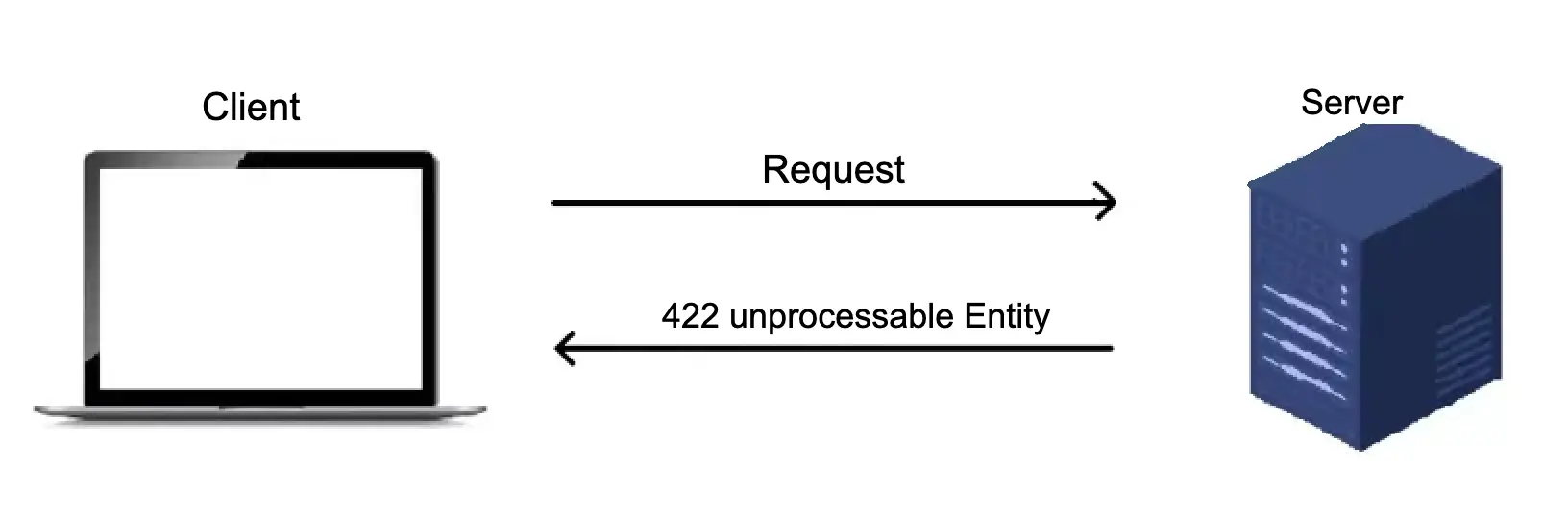
Encountering an HTTP 422 Unprocessable Entity error can be frustrating. This status code typically means that the server understands your request, but something is wrong with the data you’re sending. This issue arises when the request payload is formatted correctly but contains semantic errors that prevent the server from processing it.
In this guide, we’ll explore the common causes of the HTTP 422 error and provide actionable steps to troubleshoot and resolve it. Whether you’re handling form submissions, API requests, or file uploads, understanding and fixing the 422 Unprocessable Entity status code is crucial for smooth data processing.
What Does HTTP 422 Unprocessable Entity Mean?
The HTTP 422 status code indicates that the server received your request and understands its format (whether JSON, XML, or form data), but cannot process the request due to problems with the data itself. This error often occurs when the data violates validation rules or doesn’t meet the server’s business logic requirements.
Common Causes of HTTP 422 Unprocessable Entity
- Incorrect Data Formatting
A major reason for the 422 Unprocessable Entity error is submitting data that doesn’t match the server’s expected format. Common formatting issues include:- Mismatched Data Types: Sending a string where the server expects a number or sending improperly formatted dates.
- Missing Required Fields: The server may expect certain fields to be present (e.g.,
name,email), and omitting them triggers the error. - Incorrect Data Format: For example, the server might require a date in
YYYY-MM-DDformat, but you’re sending it asMM/DD/YYYY. - Example:
{ "name": "John Doe", "email": "not-an-email" }
In the above case, the email field is invalid, causing the server to reject the request.
- Validation Issues
The server may enforce validation rules for the data you’re submitting. These rules could include email format checks, password complexity, or minimum/maximum lengths for certain fields. If the data doesn’t comply with these validation rules, the server will respond with a 422 Unprocessable Entity error. - Business Logic Violations
Sometimes, the 422 error is triggered when the submitted data violates the server’s business logic. For instance, attempting to create a user account with an email that’s already registered could lead to this error. The data may be formatted correctly, but the server cannot process it due to logical constraints. - Content-Type Mismatch
When sending data, theContent-Typeheader must match the data format. If the header says application/json but the payload is not valid JSON, the server won’t be able to process the request, leading to the 422 status code.- Example:bashCopy code
Content-Type: application/jsonEnsure that the data format (e.g., JSON, XML) matches theContent-Typespecified in the request header.
- Example:bashCopy code
- Cache Issues
Cache problems can also result in a 422 error, especially after new code deployments. If the browser or server cache holds outdated information, it may cause a conflict when processing the request. Clearing the cache can often resolve this issue.
Troubleshooting and Fixing HTTP 422 Errors
Here are the steps to identify and fix the HTTP 422 Unprocessable Entity error:
1. Check the Error Message
The server usually provides a descriptive error message alongside the 422 status code. Pay close attention to this message—it often pinpoints the specific field or element that’s causing the issue. Use this information to correct the data being sent.
2. Review API Documentation or Form Specifications
If you’re working with an API, refer to its documentation to ensure your request matches the expected data structure. Check for:
- Required fields and their data types.
- Maximum character limits.
- Any specific formatting rules (e.g., email, dates, passwords).
Most APIs offer sample requests and responses to guide you in structuring your data correctly.
3. Inspect Your Data for Errors
Carefully examine the data you’re sending to the server. Double-check for:
- Typographical errors.
- Missing values in required fields.
- Invalid data types or incorrect formats.
Using debugging tools or print statements can help you track down exactly what data is being sent and identify potential issues.
4. Validate Data Before Sending
Using client-side validation ensures that only properly formatted data reaches the server. You can validate fields such as email addresses, passwords, and dates before submitting them.
Example (JavaScript validation for an email field):
if (!email.includes('@')) {
  alert('Invalid email address');
  return false;
}
5. Incremental Testing
For complex data submissions, break your request down into smaller parts. Send individual fields or smaller sets of data to isolate the problematic element. By doing this, you can quickly identify which specific field or part of the data is causing the 422 error.
6. Clear Your Cache
When new code is deployed on production servers, cached versions of your site may cause 422 Unprocessable Entity errors. To resolve this, clear your browser cache or instruct users to do the same. You may also need to clear server-side cache depending on your architecture.
7. Utilize Data Validation Libraries
If you’re working in a programming language like JavaScript, Python, or PHP, consider using data validation libraries to ensure all data adheres to the required formats. Libraries like Joi (for Node.js), Validator.js, and Cerberus (for Python) can help catch errors before data is sent to the server.
8. Check for Server-Side Issues
While less common, sometimes the issue may stem from the server itself. If you’ve tried all the above steps and the error persists, contact the API provider or the web application maintainer for further insights.
Conclusion
The HTTP 422 Unprocessable Entity status code typically arises due to issues with the data being sent to the server. By carefully validating your data, checking API documentation, and ensuring that your requests are formatted correctly, you can avoid these errors.
Remember to:
- Double-check data formatting and validation.
- Pay attention to error messages.
- Clear caches after deploying new code.
By following these steps, you can troubleshoot and fix 422 Unprocessable Entity errors effectively, ensuring smoother communication between your application and the server.
References: Read more about the status codes
Learn more like this here
Leave a Reply